Streaming app
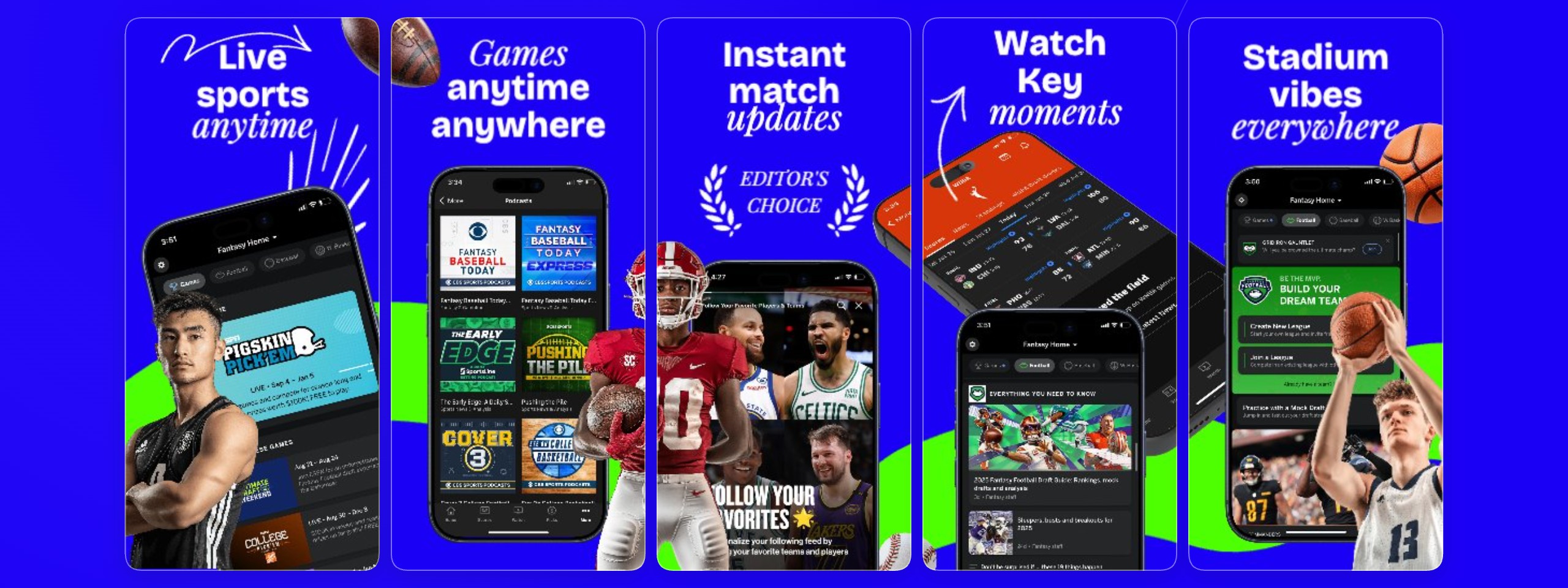
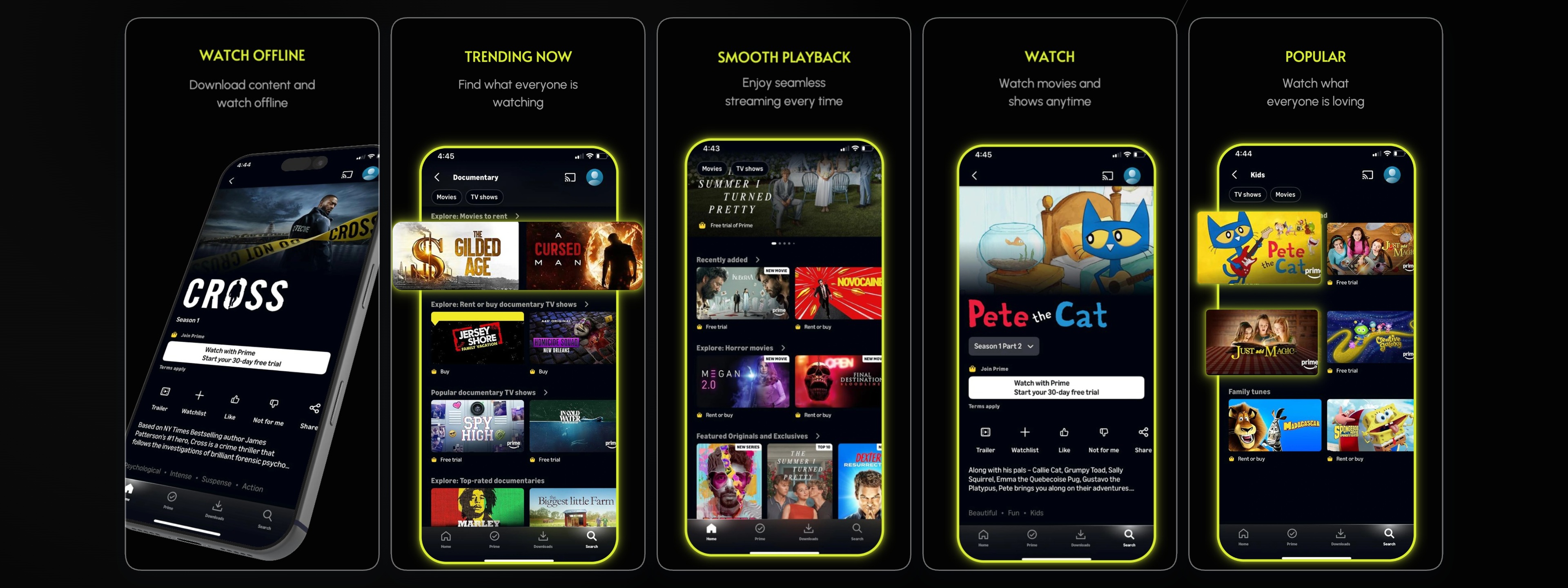
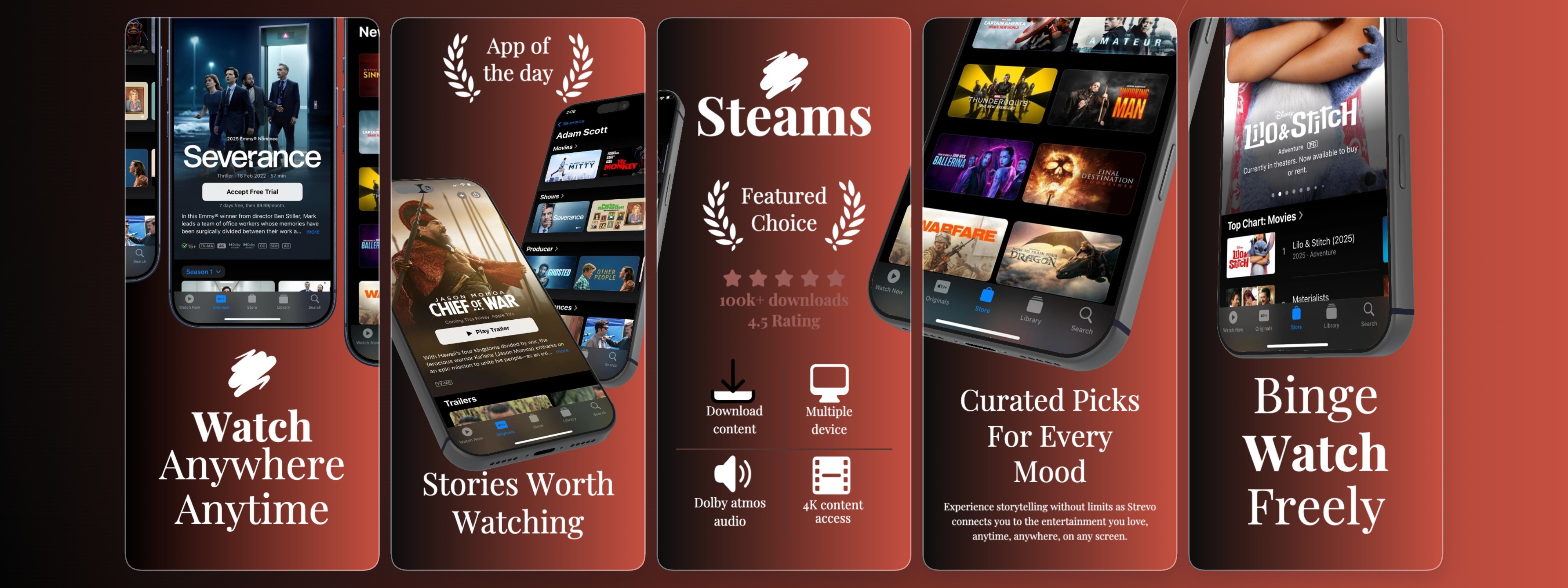
Launch your streaming app with captivating visuals using our "Streaming app" screenshot template. Designed for App Store and Google Play, this template helps you showcase your content, features, and user experience effectively. StoreShots simplifies the creative process, allowing you to generate professional-grade scre
Built For The Editor
Our intuitive browser-based editor empowers you to customize every aspect of the "Streaming app" template. Easily replace placeholder images with your actual app content, adjust text to highlight key features like live TV, on-demand shows, or exclusive series, and fine-tune colors to match your brand identity. The temp
Works With Figma Workflows
Integrate your existing design assets seamlessly. If your streaming app's UI/UX is crafted in Figma, export elements like app screens, icons, or branding components and import them directly into StoreShots. Our platform complements your Figma workflow, allowing you to quickly adapt high-fidelity designs into App Store-
Useful For ASO Iteration
Optimize your streaming app's visibility and conversion rates with ASO-focused screenshots. This template is designed to help you communicate your app's unique value proposition at a glance. By showcasing engaging content and key features across 5 distinct slides, you can capture user attention, improve tap-through rat
Use cases
FAQ
How can I customize the "Streaming app" template?
Our browser-based editor allows you to easily change text, images, backgrounds, colors (like the #c65041 gradient), and device frames. You can upload your own app screenshots and content to personalize each of the 5 slides.
Is this template suitable for both iOS and Android streaming apps?
Yes, the "Streaming app" template is versatile and can be adapted for both App Store and Google Play requirements. While it features an iPhone 6.9 frame, you can easily switch to Android device frames within the StoreShots editor to fit your specific platform needs.
Can I use my own brand colors?
Absolutely. The template includes default colors like #c65041 and #000000, but you can easily adjust the gradient and background colors to perfectly match your streaming app's branding.