
Make iOS App Screenshots That Convert
Design iPhone and iPad App Store screenshots from a browser. Start with a template built for iOS proportions, wrap your screens in real device mockups, and export the exact sizes App Store Connect requires.
Built for the App Store, not a generic image editor
iOS screenshots have rules: specific pixel sizes, a portrait-first standard, and a reading order users scan in an F-pattern. This tool bakes those in. Instead of resizing a canvas and hoping it passes upload, you start from layouts already sized for iPhone 6.9" and iPad 13", with device frames and safe margins handled for you.
iPhone and iPad mockups in one place
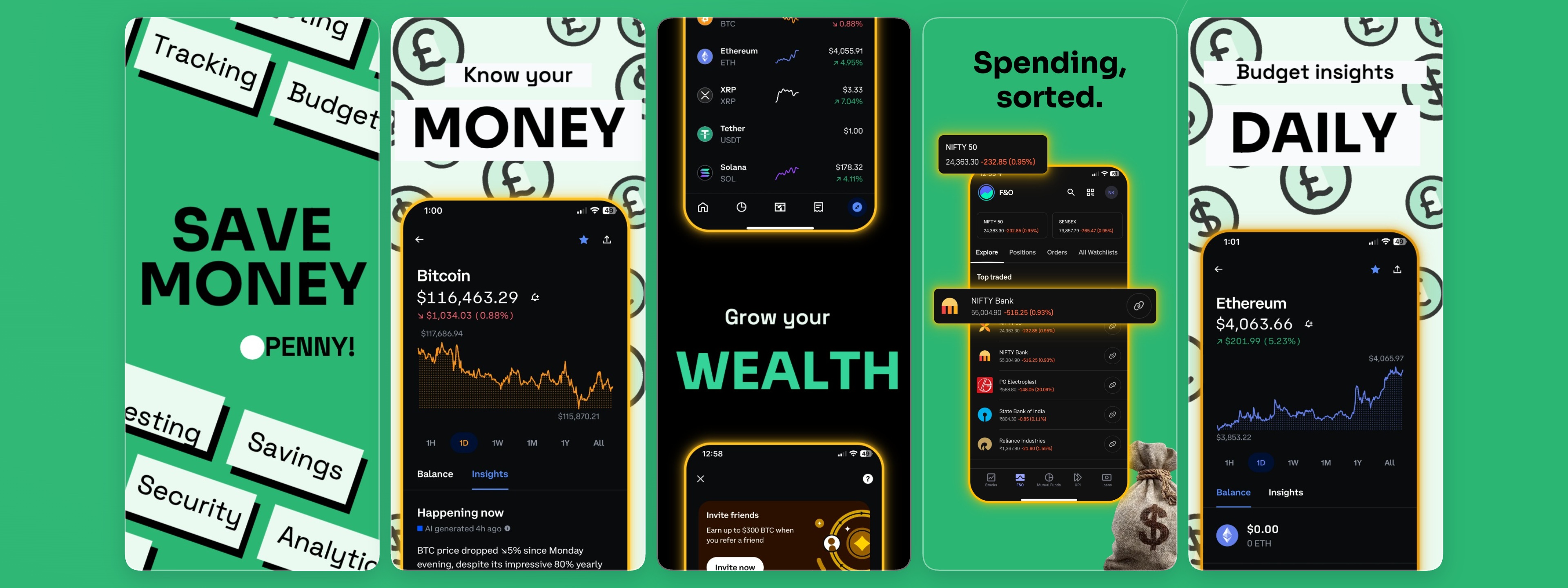
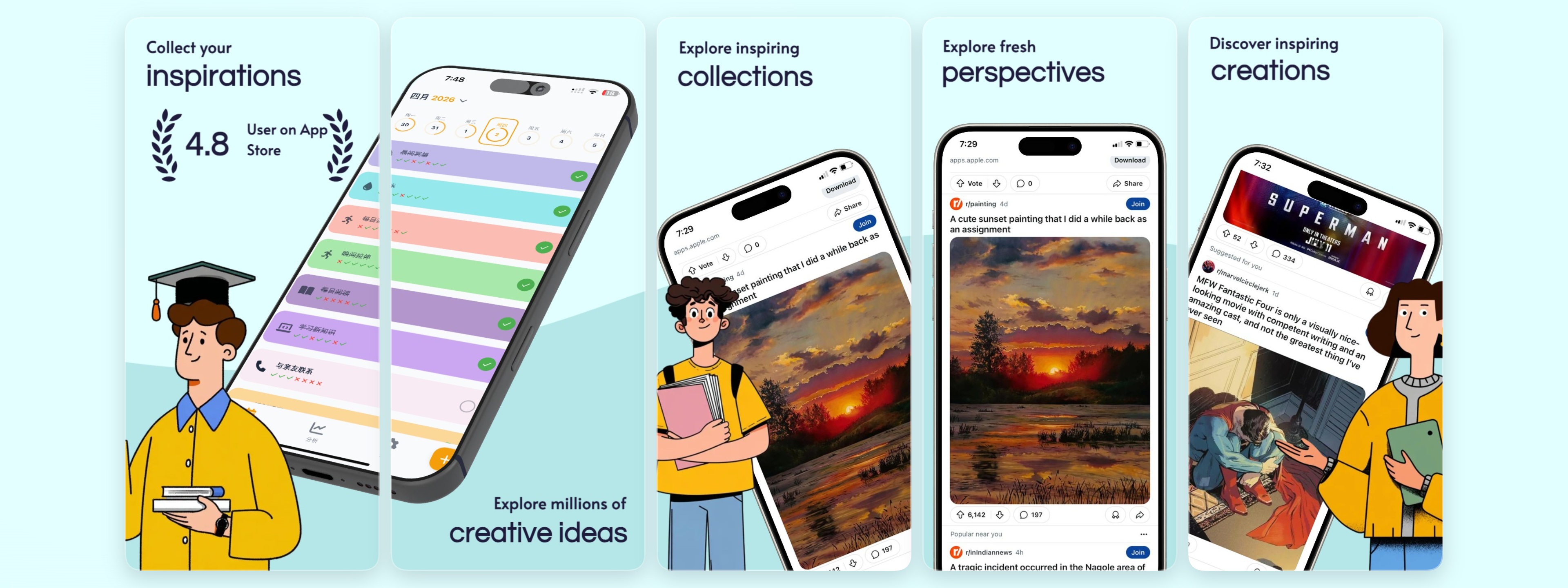
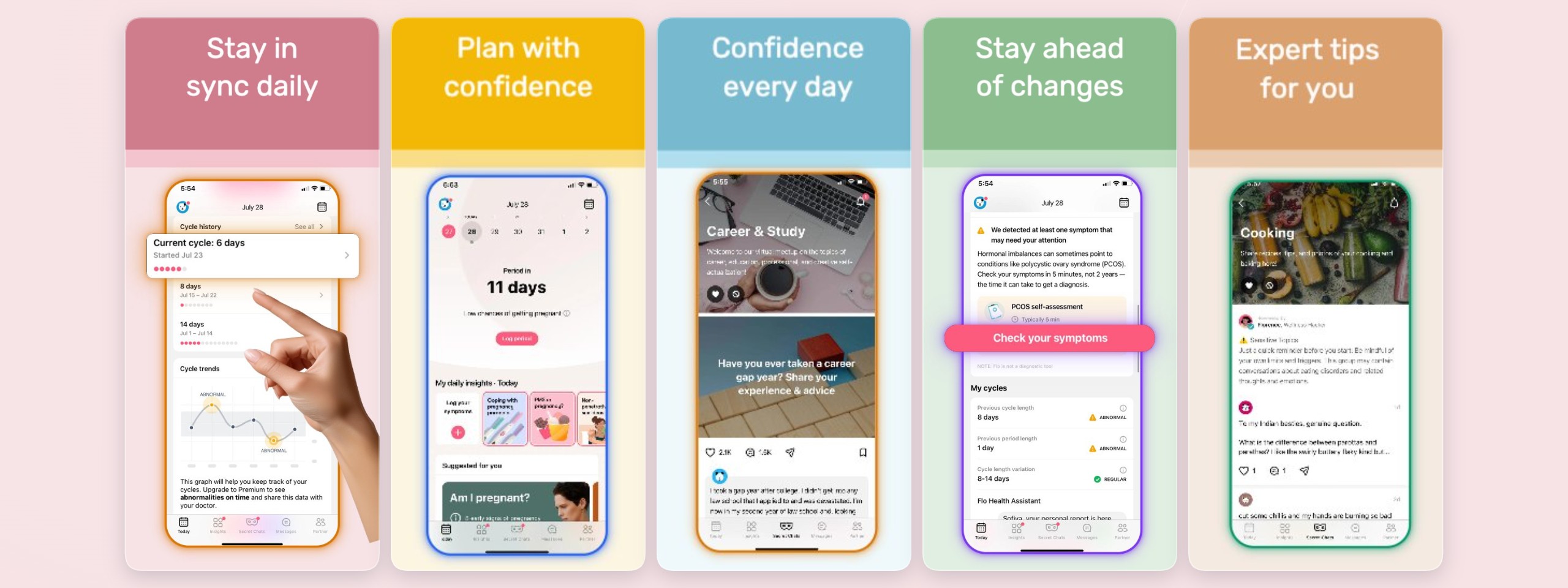
Show your app the way Apple's own listings do — inside crisp device frames. Choose flat front-on frames for clarity, angled 3D devices for depth, or hand-held mockups for lifestyle context. Swap a screen and every frame updates, so a full iPhone and iPad set stays consistent without re-exporting anything.
From first screen to full localized set
Lead with a benefit headline over your hero screen, back it with social proof, then walk through the core flow. When it's time to ship in more markets, duplicate the set, translate the captions, and auto-localize — keeping one source of truth for every locale instead of a folder of one-off files.
Correct iOS sizes
iPhone 6.9" and iPad 13" presets match App Store Connect exactly, so uploads validate on the first try.
Device frames included
A library of iPhone and iPad frames — flat, 3D, and hand-held — ready to drop your screenshots into.
Localize without the busywork
Manage every locale in one project and auto-localize headlines so your iOS screenshots stay on-brand worldwide.
Start from a template
Frequently asked questions
What size should iOS App Store screenshots be?
The current App Store standard leads with iPhone 6.9" (1320 × 2868) and iPad 13" (2064 × 2752). The editor includes both as presets so you can design once and export each size that App Store Connect requires.
How many screenshots does the App Store allow?
Apple allows up to 10 screenshots per device size. Most high-converting listings use the first three to land the core value, then show the main flow — the editor makes it easy to build and reorder a full set.
Can I create both iPhone and iPad screenshots?
Yes. You can design iPhone and iPad screenshots in the same project using matching device mockups, then export each size separately for App Store Connect.
Is it free to make iOS app screenshots?
Yes, you can design and export iOS screenshots for free. Pro adds unlimited projects, more storage, all device mockups, and unlimited locales.
Build your screenshot set now
Free to get started — no credit card required.
Open the editor