
Free App Store Screenshot Generator
Turn raw app screens into polished App Store screenshots in minutes. Start from a template, swap in your screenshot, add a benefit headline, and export the exact iPhone and iPad sizes App Store Connect expects — no design tool required.
Generate App Store screenshots without opening a design tool
Most developers lose hours wrestling screenshots into Figma, lining up device frames, and re-exporting every size by hand. This generator removes that work. You start in a browser, choose a layout that already follows App Store conventions, and your screens are wrapped in clean iPhone and iPad mockups automatically. Change the headline, recolor the background, reorder the slides, and you have a full screenshot set ready to upload.
Lead with the screens that actually convert
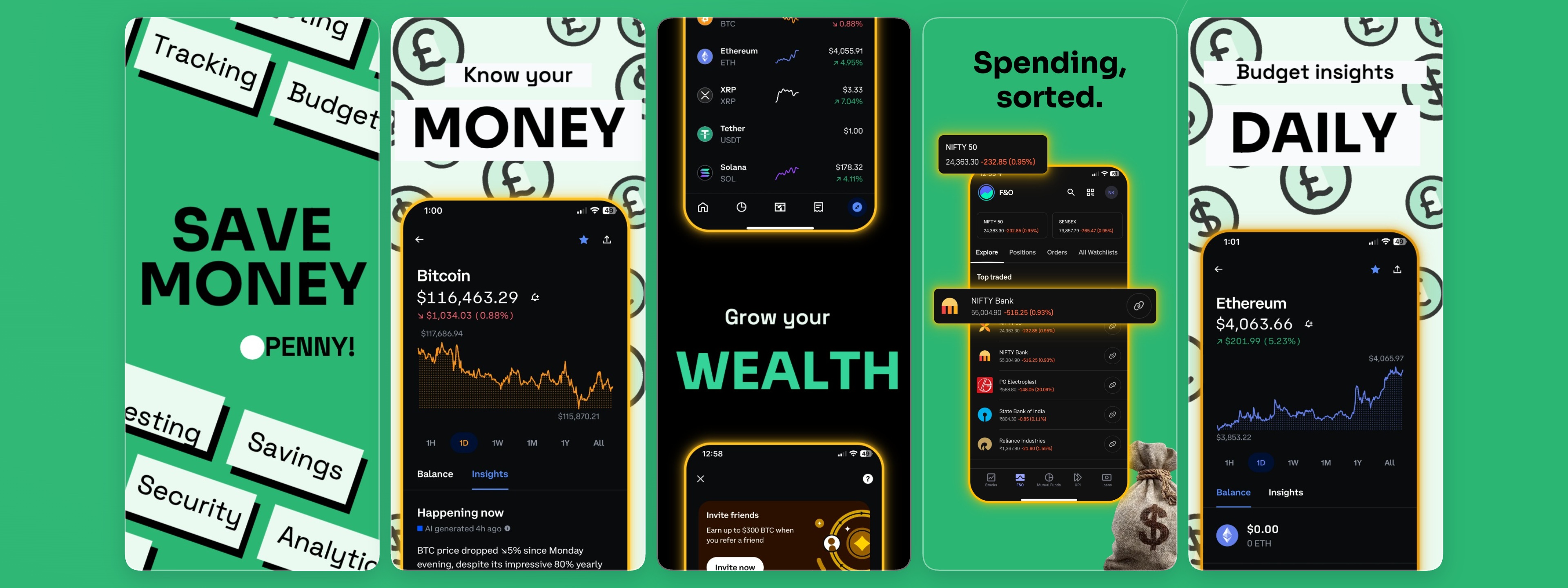
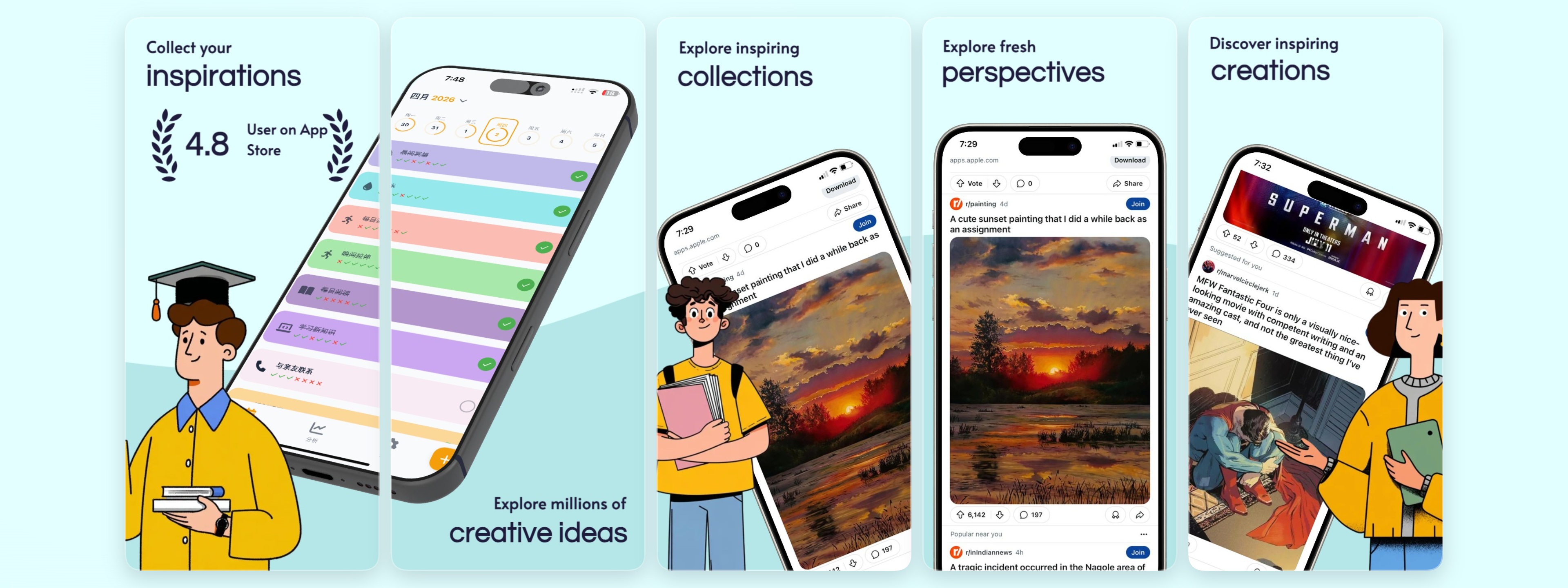
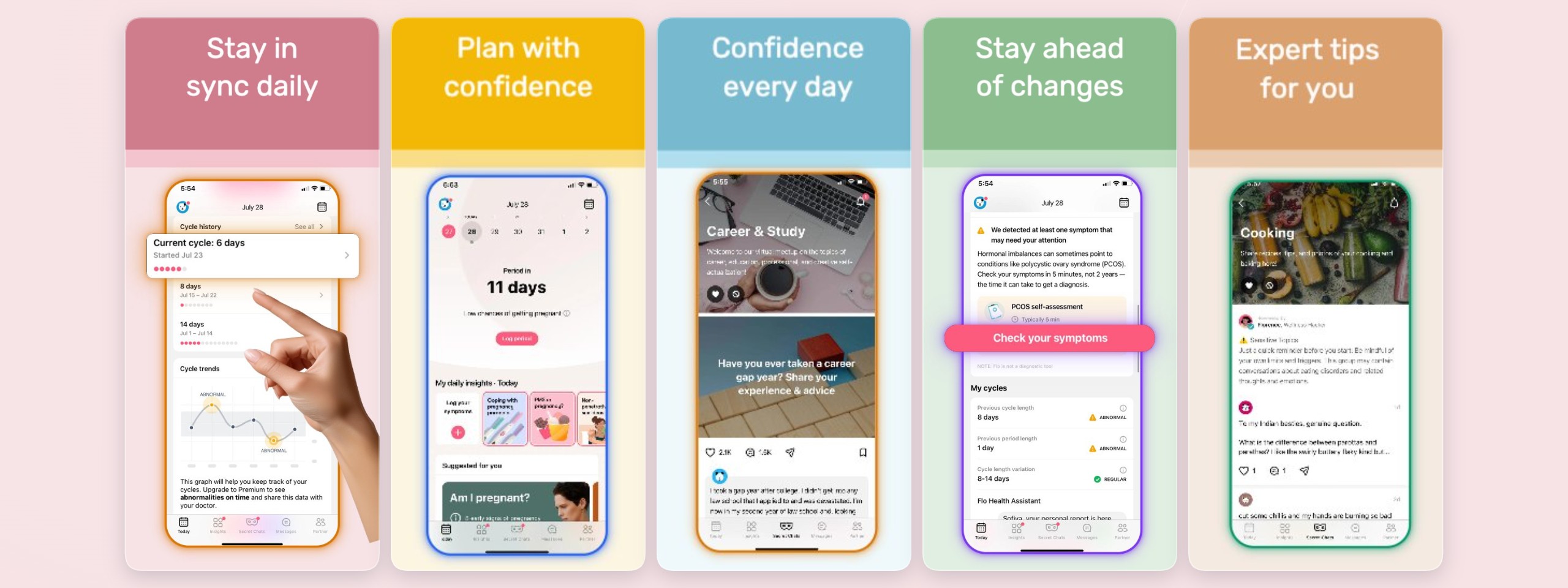
The first one to three screenshots carry the majority of the conversion weight on a store listing, so the generator is built around a strong first frame: a short benefit headline above a device showing your core feature. Add social proof — a rating, a user count, a press mention — or a before/after transformation on later frames. Every layout is designed to pass the squint test, so the value lands even on a small phone screen in a crowded search result.
One project, every device size and locale
Design your set once, then export iPhone 6.9" and iPad 13" sizes from the same project. Duplicate a slide to localize it, swap the headline per language, and keep layout and branding consistent across the whole store presence. When Apple updates a required size, you re-export instead of rebuilding.
Template-first workflow
Open a layout that already matches App Store proportions and reading order, then make it yours. No blank canvas, no guesswork about sizes.
Real device mockups
Drop your screen into iPhone and iPad frames — flat, angled 3D, or hand-held — without exporting frames from anywhere else.
Export-ready output
Export the precise pixel dimensions App Store Connect accepts, so uploads pass validation the first time.
Start from a template
Frequently asked questions
Is the App Store screenshot generator free?
Yes — you can design and export screenshots for free, no credit card required. A Pro plan unlocks unlimited projects, larger storage, every device mockup, and unlimited locales when you need to scale.
What screenshot sizes does it export for the App Store?
It exports the current App Store Connect sizes, including iPhone 6.9" (1320 × 2868) and iPad 13" (2064 × 2752). Design once and export each required size from the same project.
Do I need design skills or Figma?
No. You start from a template that already follows App Store layout conventions, swap in your screenshot, and edit the headline. Everything runs in the browser — there is nothing to install and no Figma file to manage.
Can I localize my App Store screenshots?
Yes. You can manage multiple locales inside one project and auto-localize headlines, so your screenshots stay consistent across every language your app ships in.
Build your screenshot set now
Free to get started — no credit card required.
Open the editor