
The Free App Screenshot Maker
Make App Store and Google Play screenshots from a browser. Pick a template, add your screen and a headline, and export a complete, store-ready set — without a designer or a download.
Make a full screenshot set in minutes
An app screenshot maker should get you from raw screen recordings to an upload-ready set fast. Start from a template, drop your screenshots into iPhone or iPad mockups, write a short headline per frame, and you're done. No layered design file, no manual resizing, no exporting frames from a separate tool.
Headlines and layouts that sell the app
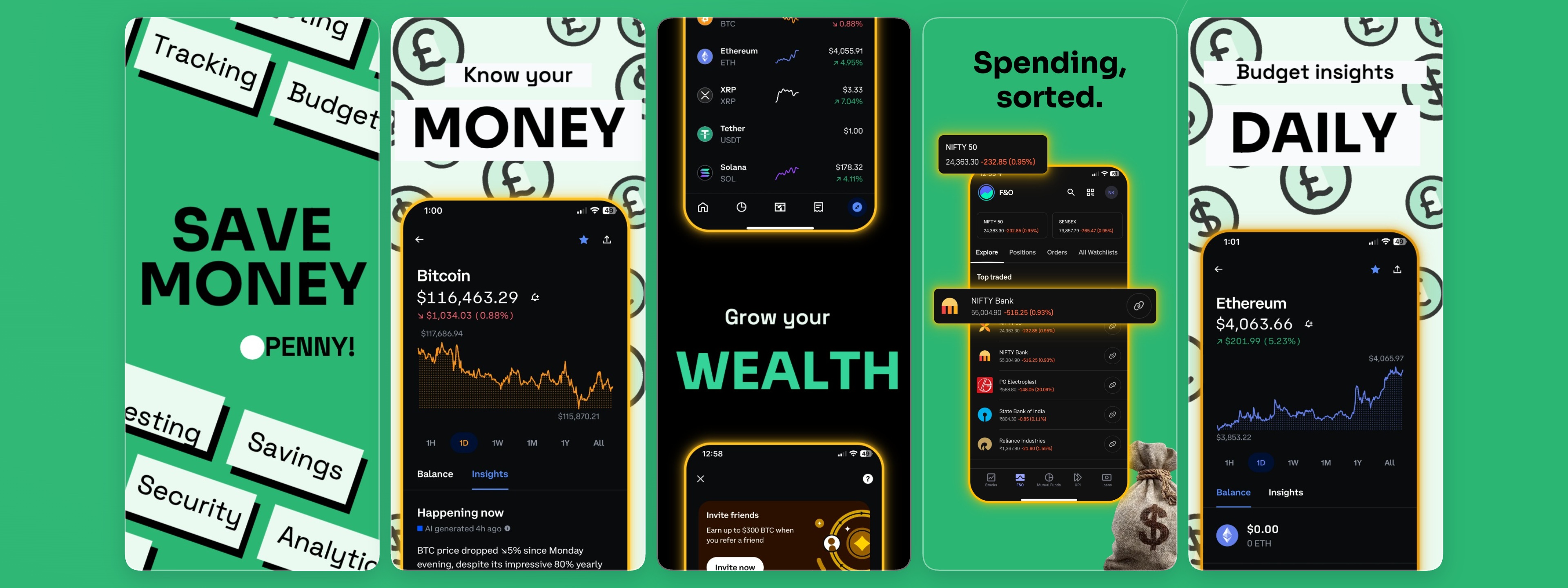
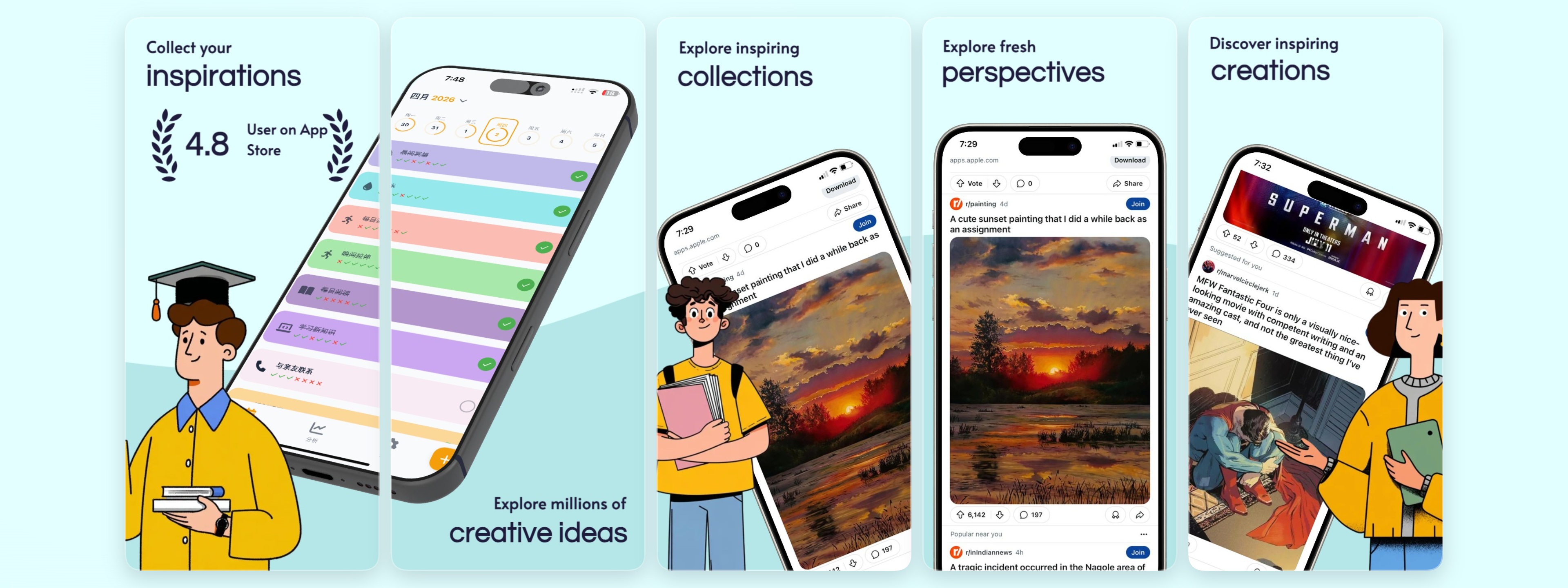
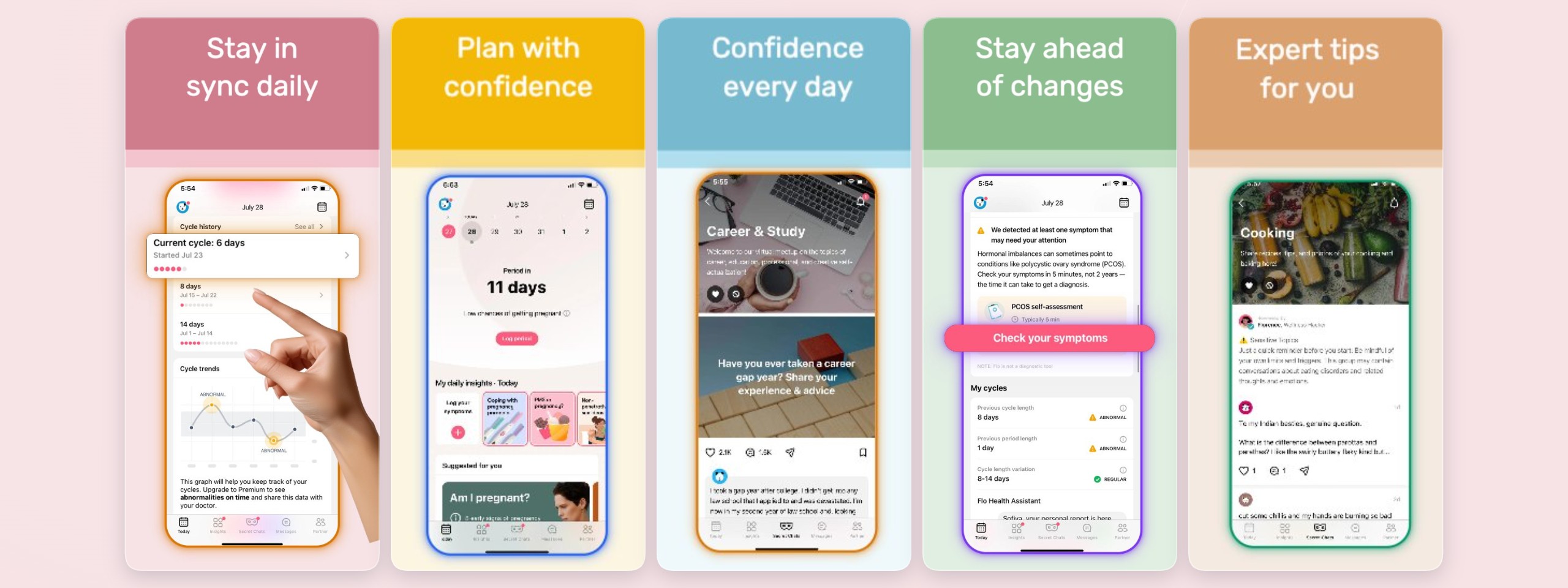
Your screenshots are an ad, not documentation. The maker is built around what converts: a punchy four-to-six word benefit headline on the first frame, social proof on the second, and your core flow after. Strong contrast, clear hierarchy, and clean device framing make each frame readable at a glance in a busy store listing.
One maker for the App Store and Google Play
Ship to both stores from one project. Reuse your layout, switch device sizes, and export the dimensions each store requires. Add locales and auto-localize headlines so the same set works across every market your app launches in.
No download, no design tool
Everything runs in the browser. Open a template, edit, export — there is nothing to install and no learning curve.
App Store & Google Play sizes
Export the dimensions each store accepts, including iPhone 6.9" and iPad 13", straight from one project.
Mockups and headlines built in
Device frames, headline styles, and backgrounds are ready to go, so a finished set is minutes away — not an afternoon.
Start from a template
Frequently asked questions
Is this app screenshot maker free?
Yes. You can make and export app screenshots for free with no credit card. A Pro plan adds unlimited projects, larger storage, every device mockup, and unlimited locales for teams shipping at scale.
Does it work for both the App Store and Google Play?
Yes. You can design for the App Store and Google Play in one project and export the correct sizes for each store, reusing the same layout and branding.
What can I put in the device mockups?
Drop in your own app screenshots and wrap them in iPhone, iPad, or hand-held device frames. Swap a screen at any time and the mockup updates automatically.
How fast can I make a screenshot set?
Most people go from template to exported set in a few minutes — pick a layout, add screenshots and headlines, and export. There is no design file to build from scratch.
Build your screenshot set now
Free to get started — no credit card required.
Open the editor