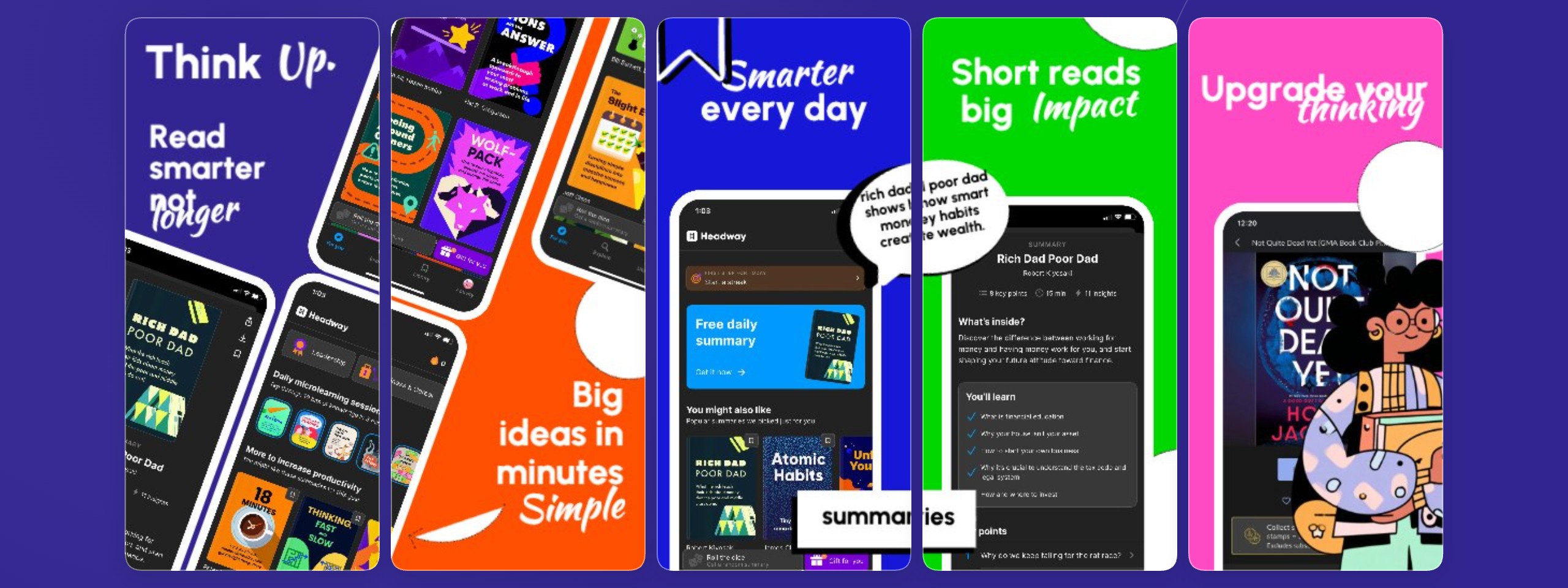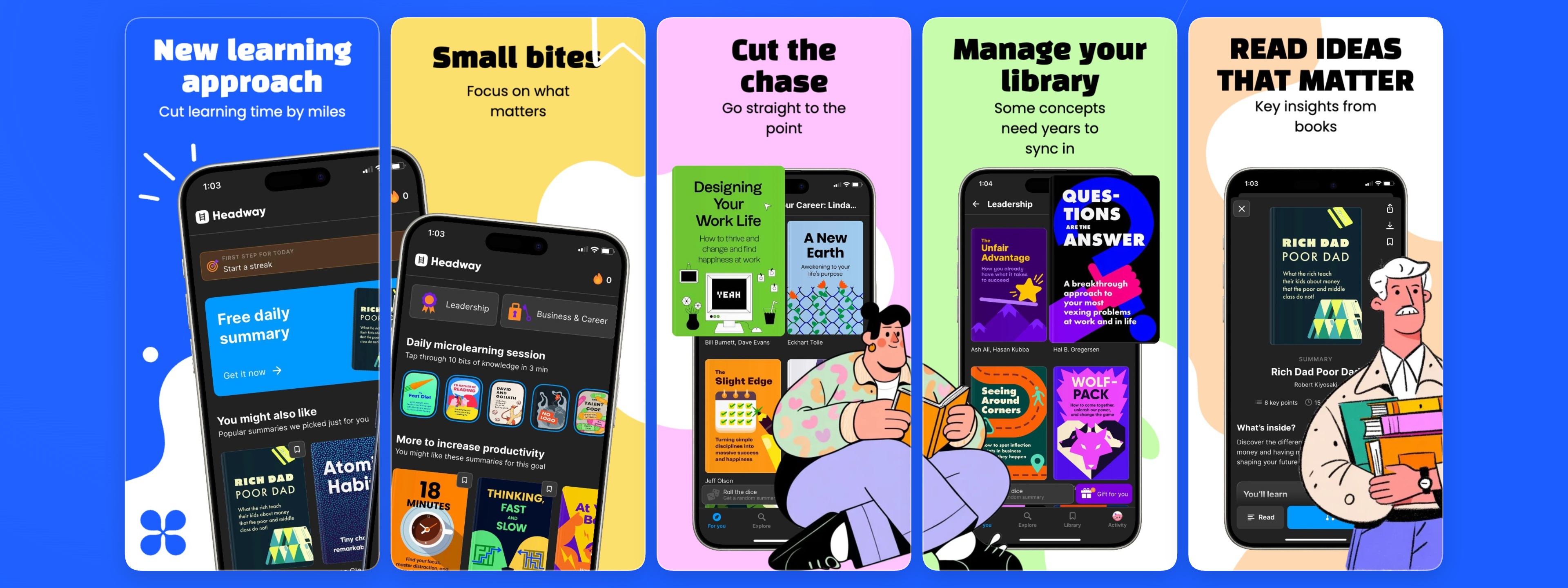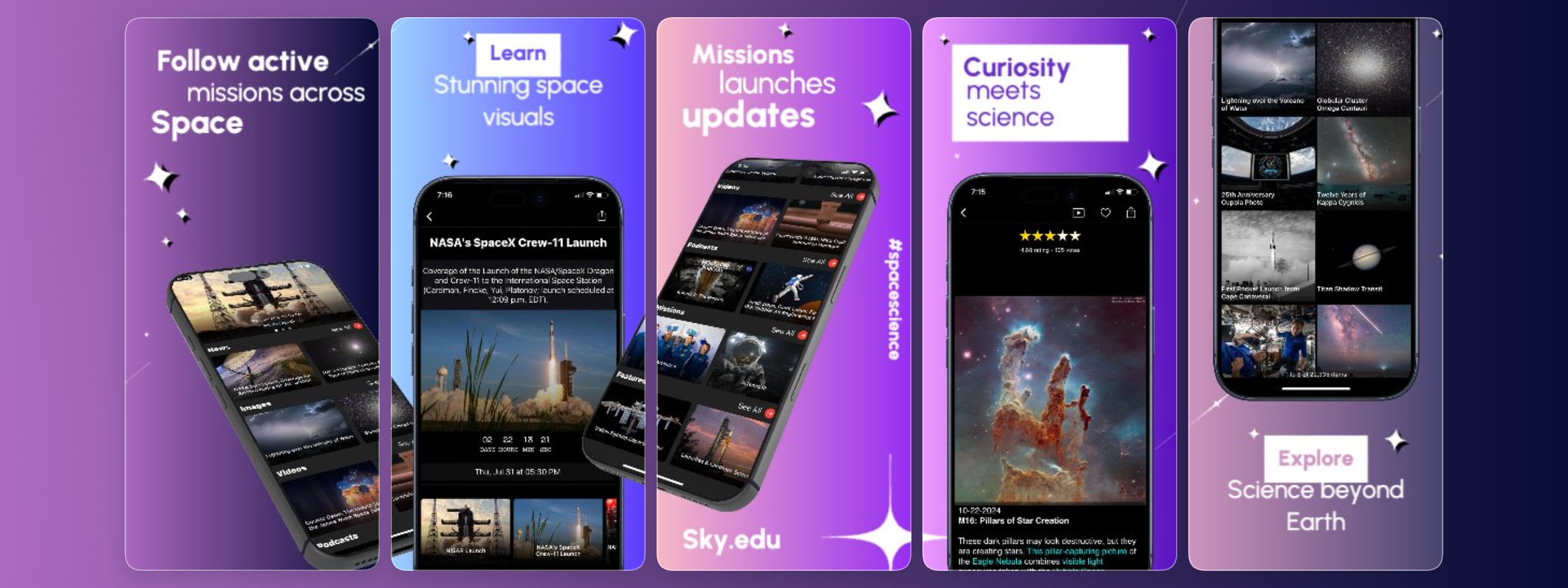
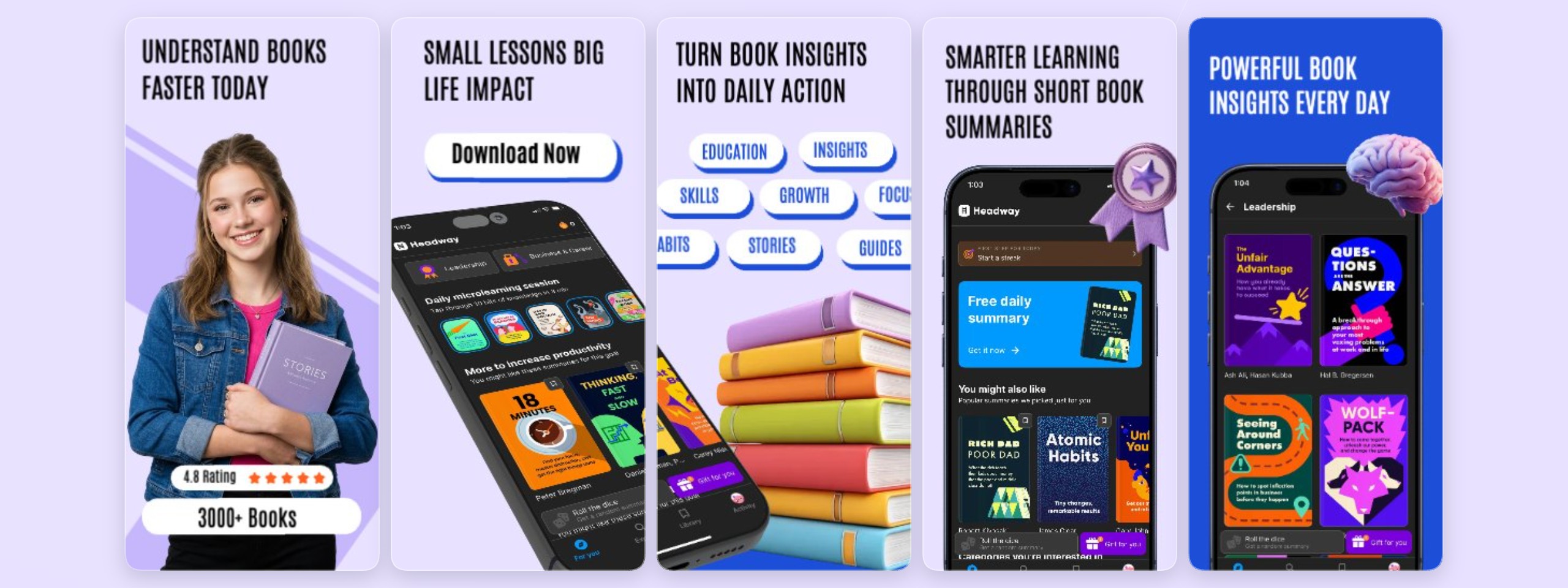
Book Summary tool
Showcase your book summary, reading companion, or educational app with the 'Book Summary tool' template from StoreShots. This pre-designed set of five slides provides a clean, professional foundation to highlight your app's key features and benefits, ensuring your App Store and Google Play listings stand out to your ta
Built For The Editor
Transform this template effortlessly using the StoreShots browser-based editor. Easily customize text, colors, device mockups, and layouts to match your app's branding. Drag and drop your app's UI, adjust fonts, and refine every detail without needing complex design software, streamlining your screenshot creation workf
Works With Figma Workflows
Bridge your design process seamlessly with Figma-adjacent workflows. While StoreShots is a standalone editor, you can efficiently import design elements or entire screens from your Figma projects into this template. Maintain brand consistency and leverage your existing design assets to create polished, on-brand app scr
Useful For ASO Iteration
Optimize your App Store Optimization (ASO) strategy with compelling visuals. This 'Book Summary tool' template helps you craft clear, engaging screenshots that communicate your app's value proposition at a glance. High-quality, informative creatives are vital for attracting potential users, improving conversion rates,
Use cases
FAQ
Who is this 'Book Summary tool' template for?
This template is ideal for developers and marketers of apps focused on book summaries, educational content, reading companions, or study aids. It helps create professional App Store and Google Play screenshots that clearly communicate an app's value.
How can I customize this template in StoreShots?
StoreShots' intuitive browser-based editor allows you to easily modify text, colors, device mockups, and layouts. You can drag and drop elements, upload your app's UI, and ensure brand consistency without complex design software, making the screenshot creation workflow efficient.
Does this template support App Store Optimization (ASO)?
Yes, by providing a visually appealing and informative structure, this template helps you create screenshots that clearly communicate your app's value. Engaging visuals are crucial for attracting users, improving conversion rates, and supporting your overall ASO strategy for better visibility and downloads.
Can I integrate my existing Figma designs with this template?
Absolutely. StoreShots supports Figma-adjacent workflows, allowing you to import design elements or entire screens from Figma directly into your template. This ensures seamless brand consistency and streamlines your creative process for App Store assets, saving time and effort.